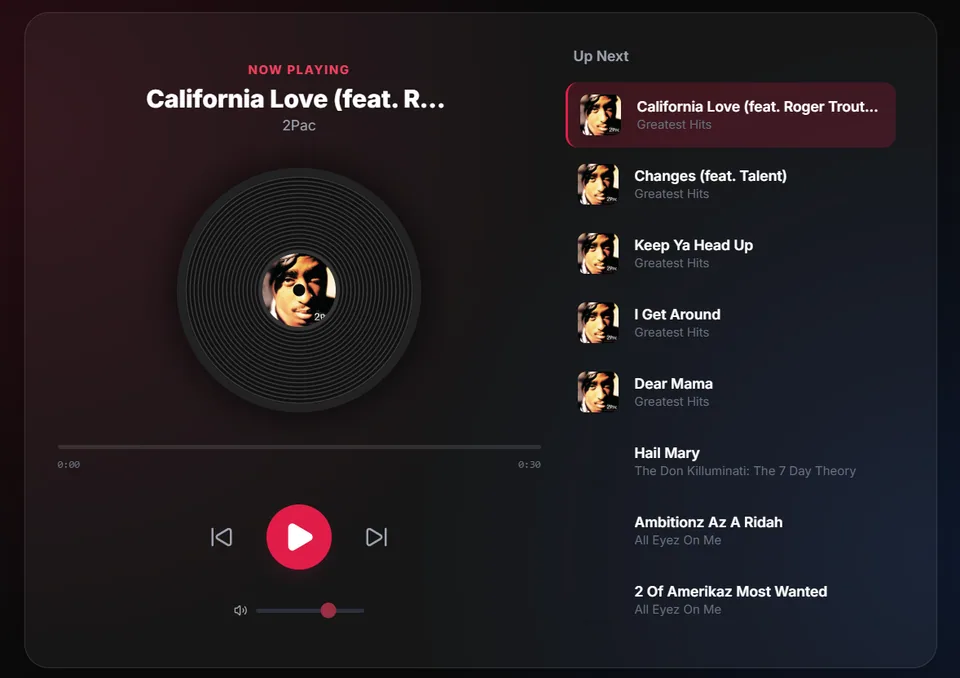
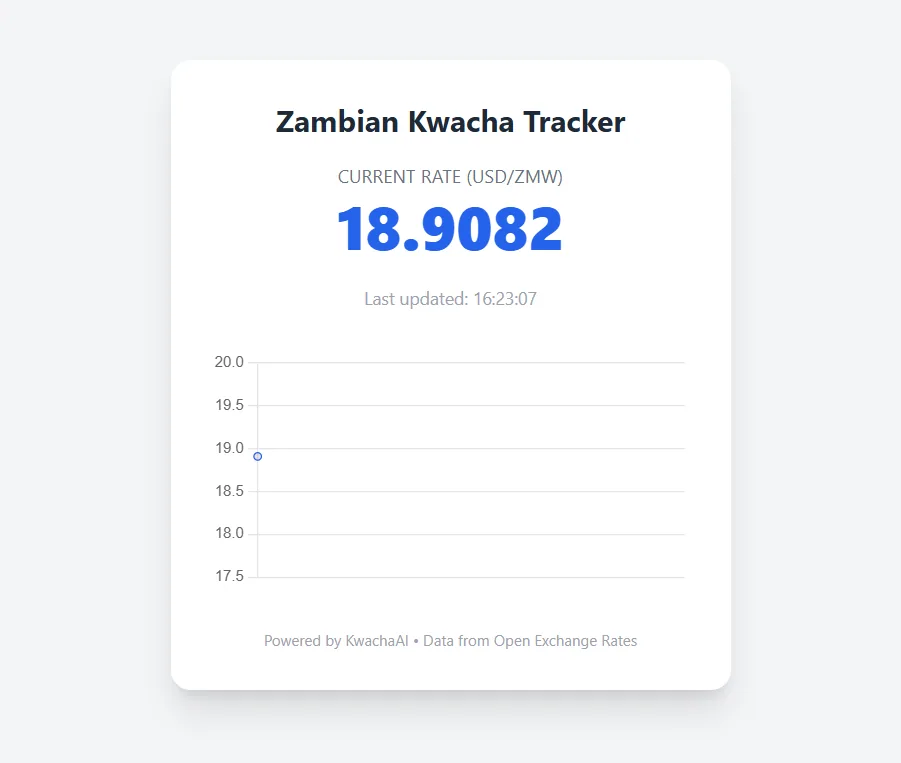
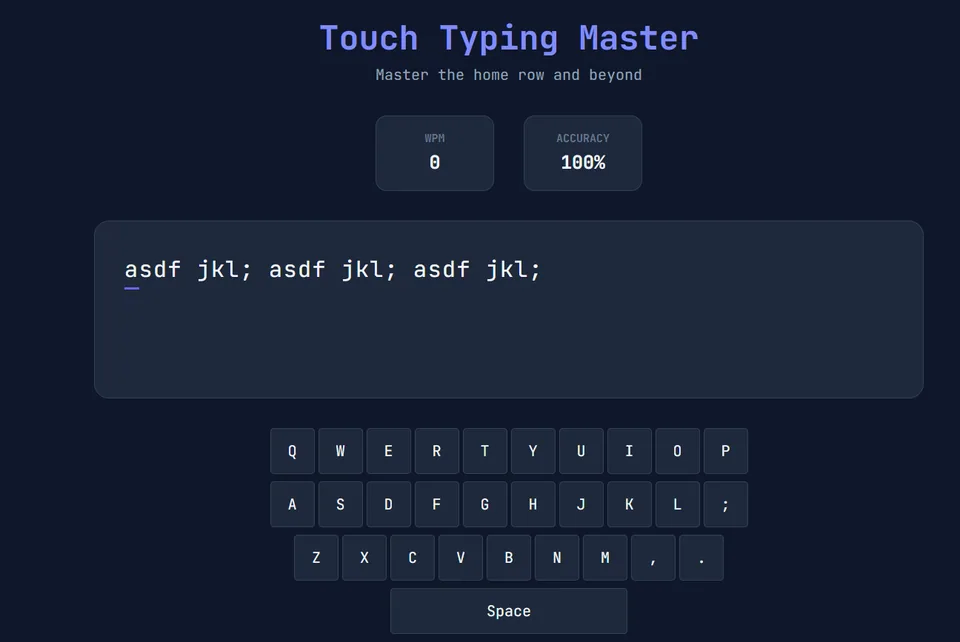
Now in Public Preview — Free to use

The AI desktop app
for work, study, and code.

Download the official KwachaAI desktop app. A powerful, native workspace for Windows that gives you the world's best AI models — all in one place. No cloud lock-in. Private & Secure.
Powered by the world's best AI models

✦ Features

Everything you need.
Nothing you don't.

A clean, powerful workspace that adapts to what you're doing — whether that's writing a report, studying chemistry, or debugging a Node.js app.

Desktop-Native

Not a browser tab. A real app that runs on your machine with file access, shell commands, and offline support. Feels fast because it is.

Multi-Model

Switch between GPT-4o, Claude, Gemini, Copilot, and more. Use your own API keys or sign in with OAuth. No middleman pricing.

Built-in Code Editor

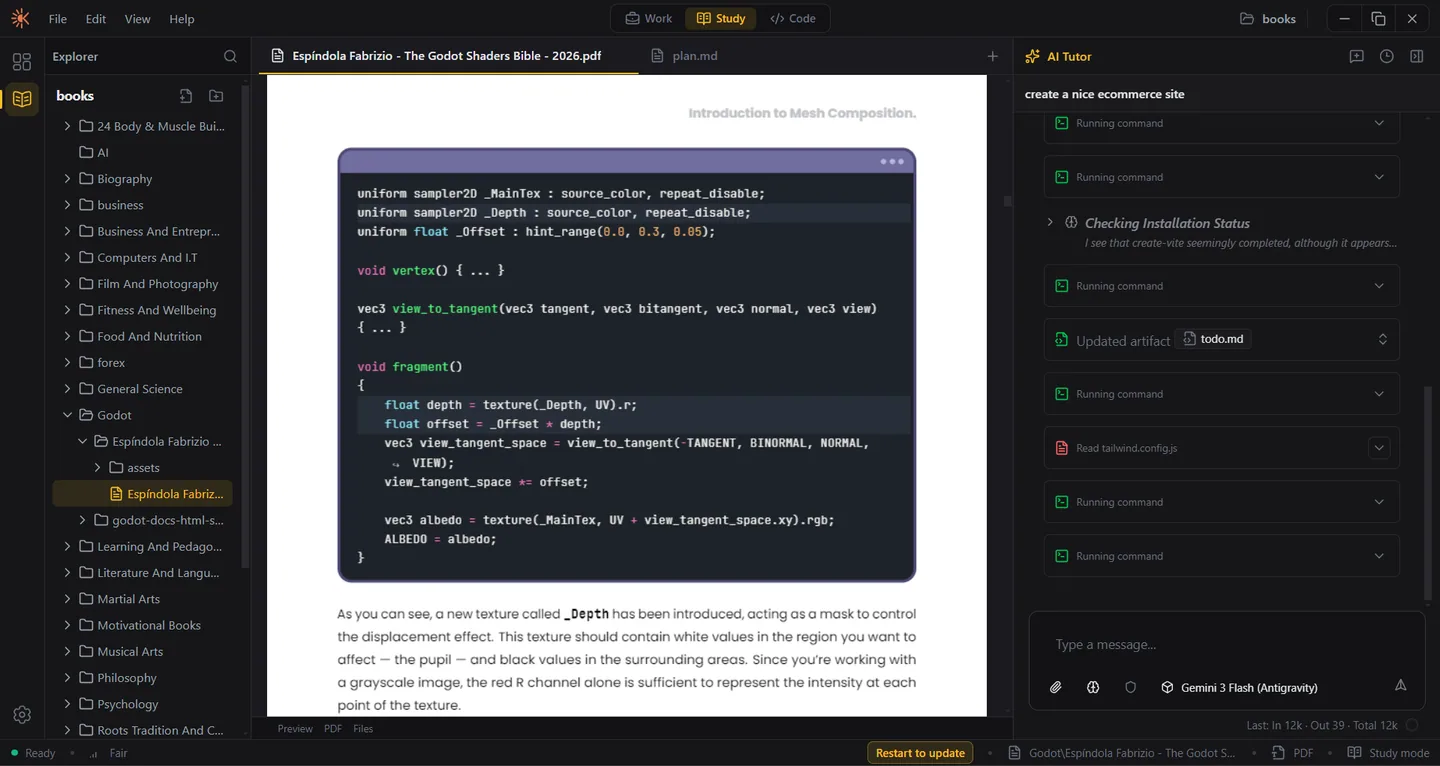
A full workspace with file explorer, syntax highlighting, and an AI that reads, edits, and creates files directly in your project.

Rich Artifacts

The AI creates interactive HTML, Markdown documents, PDFs, spreadsheets, and more — all rendered right in the workspace.

Web Search

The AI can search the web for current information, read documentation, and cite sources — so you get accurate, up-to-date answers.

Private & Secure

Your data stays on your machine. No telemetry, no cloud storage, no account required. API keys are stored locally and never shared.

⚡ Three Modes

One app. Three superpowers.

Switch between modes instantly. Each one is purpose-built with specialized tools, prompts, and workflows.

Work Mode

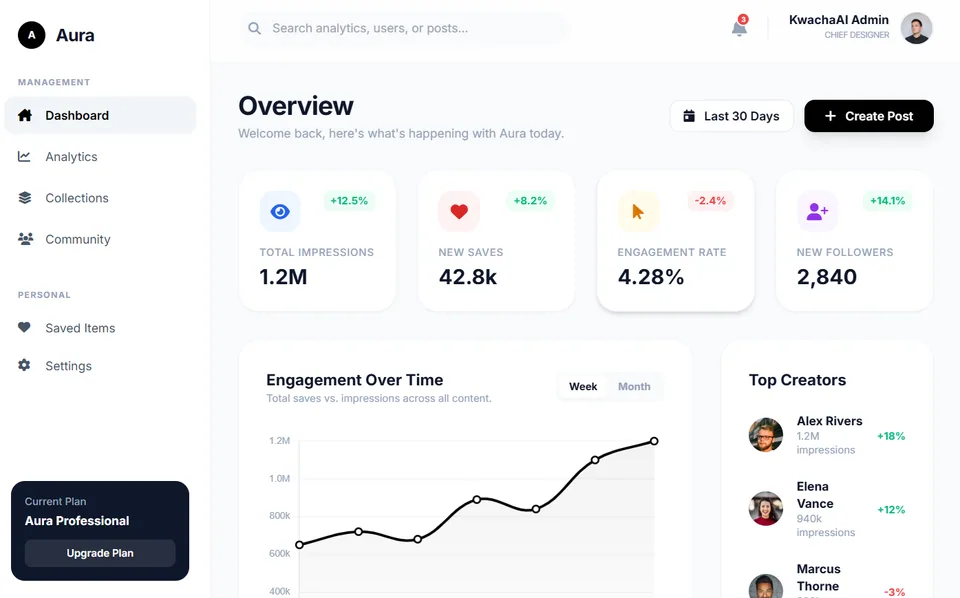
Turn rough ideas into polished deliverables — plans, reports, briefs, emails, spreadsheets, and presentations. Systematic, execution-focused AI for professionals.

Study Mode

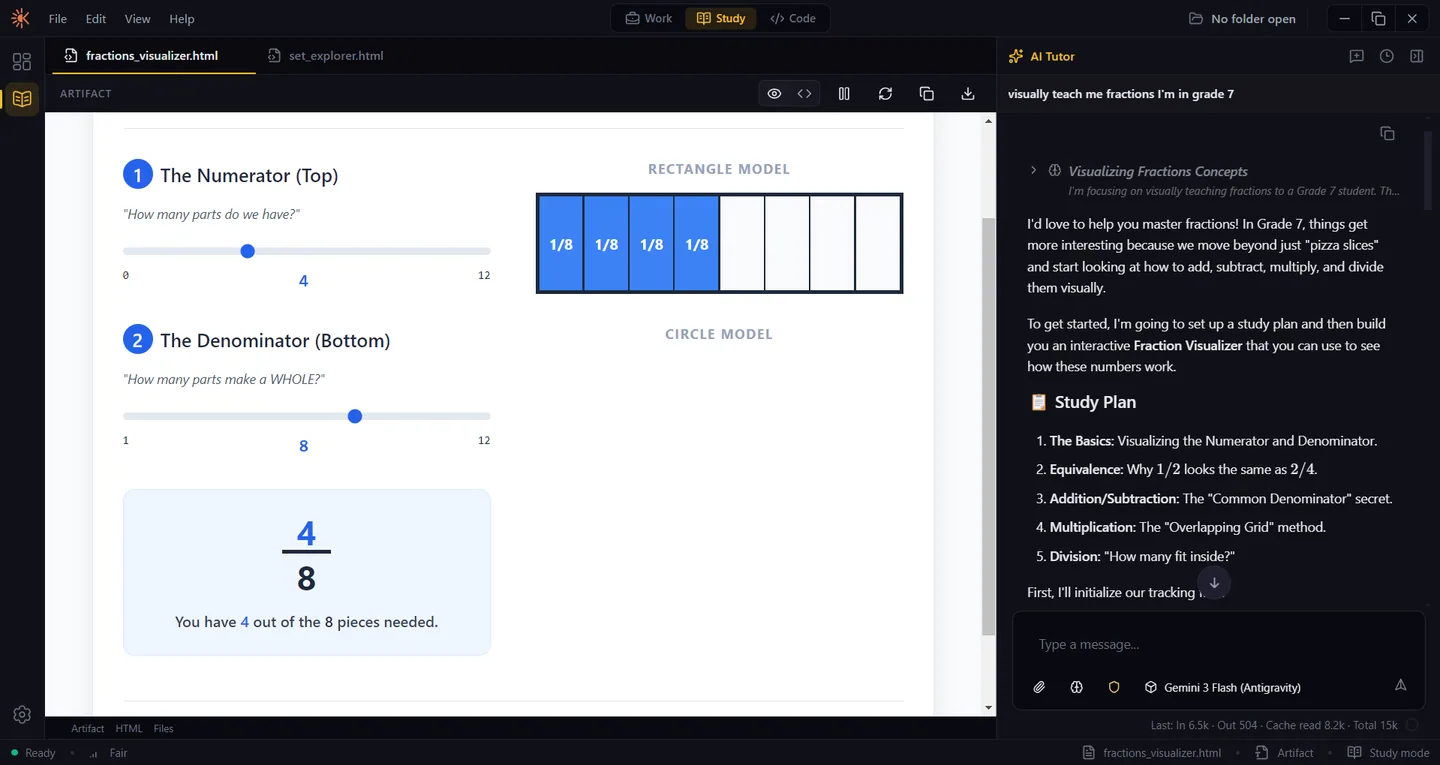
Learn any subject with an AI tutor that adapts to your level. Step-by-step explanations, practice quizzes, flashcards, and visual aids — designed for deep understanding.

Code Mode

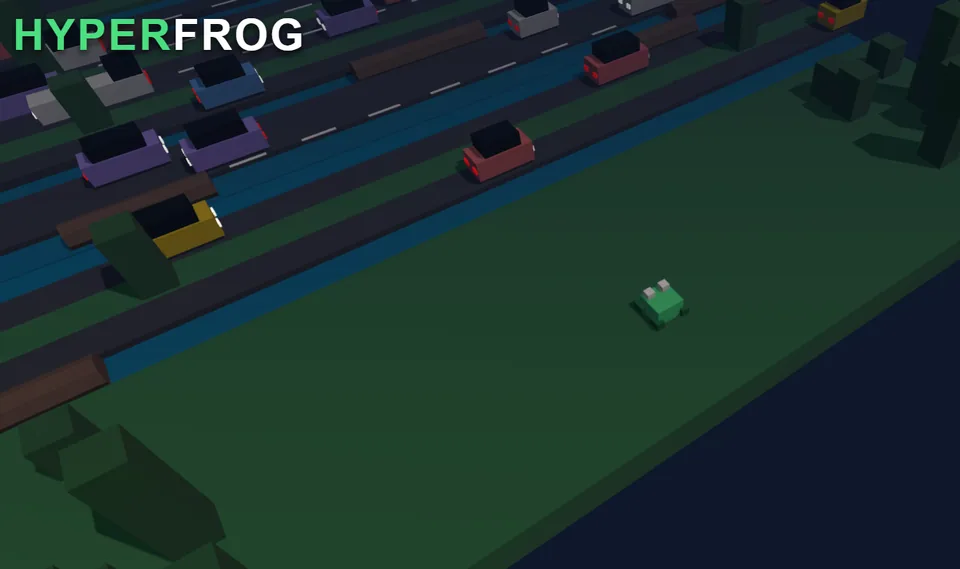
An AI coding assistant that reads your repo, writes clean code, runs tests, and verifies its own work. Like pair programming with a senior engineer.

✦ See It In Action

Built for real work.

Not a toy. A professional-grade AI workspace used by developers, students, and professionals across Africa and beyond.

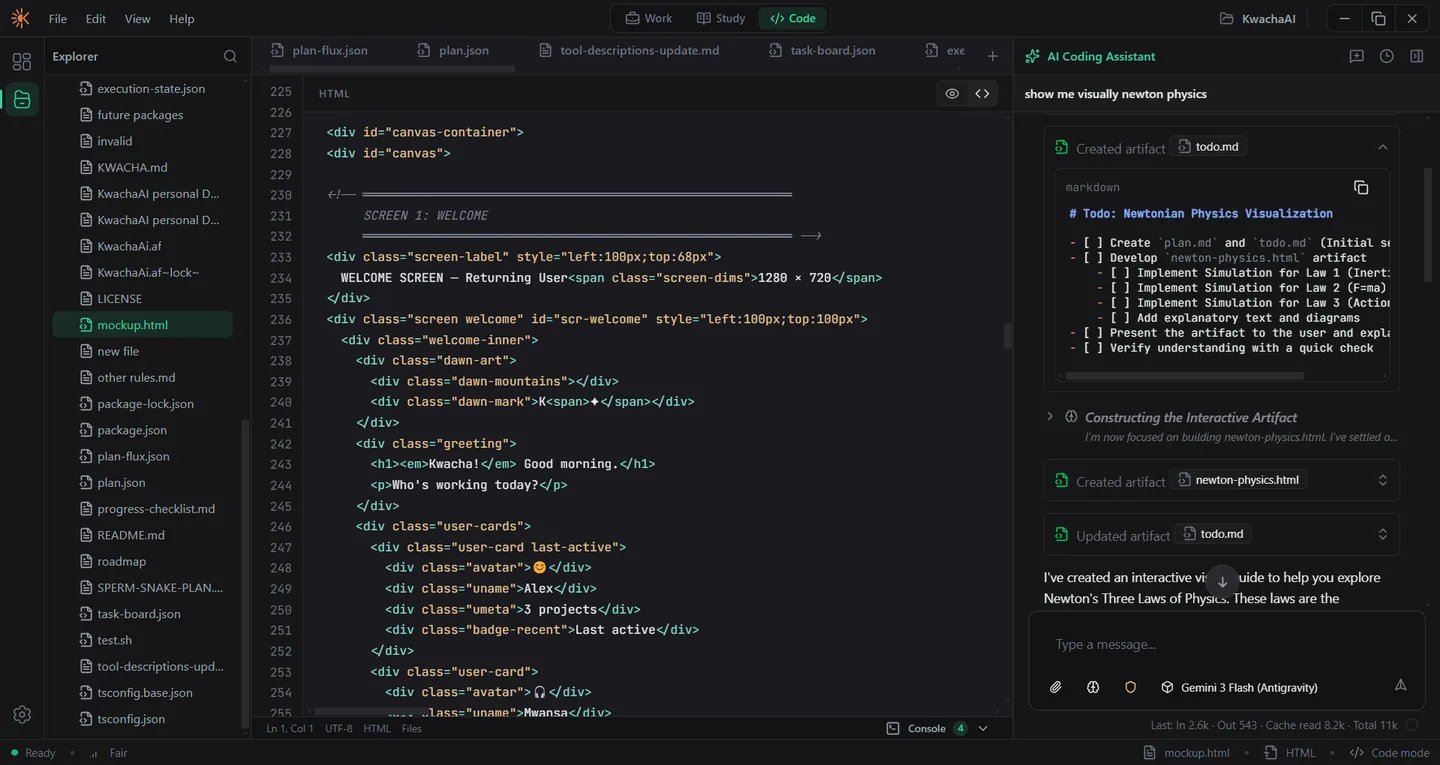
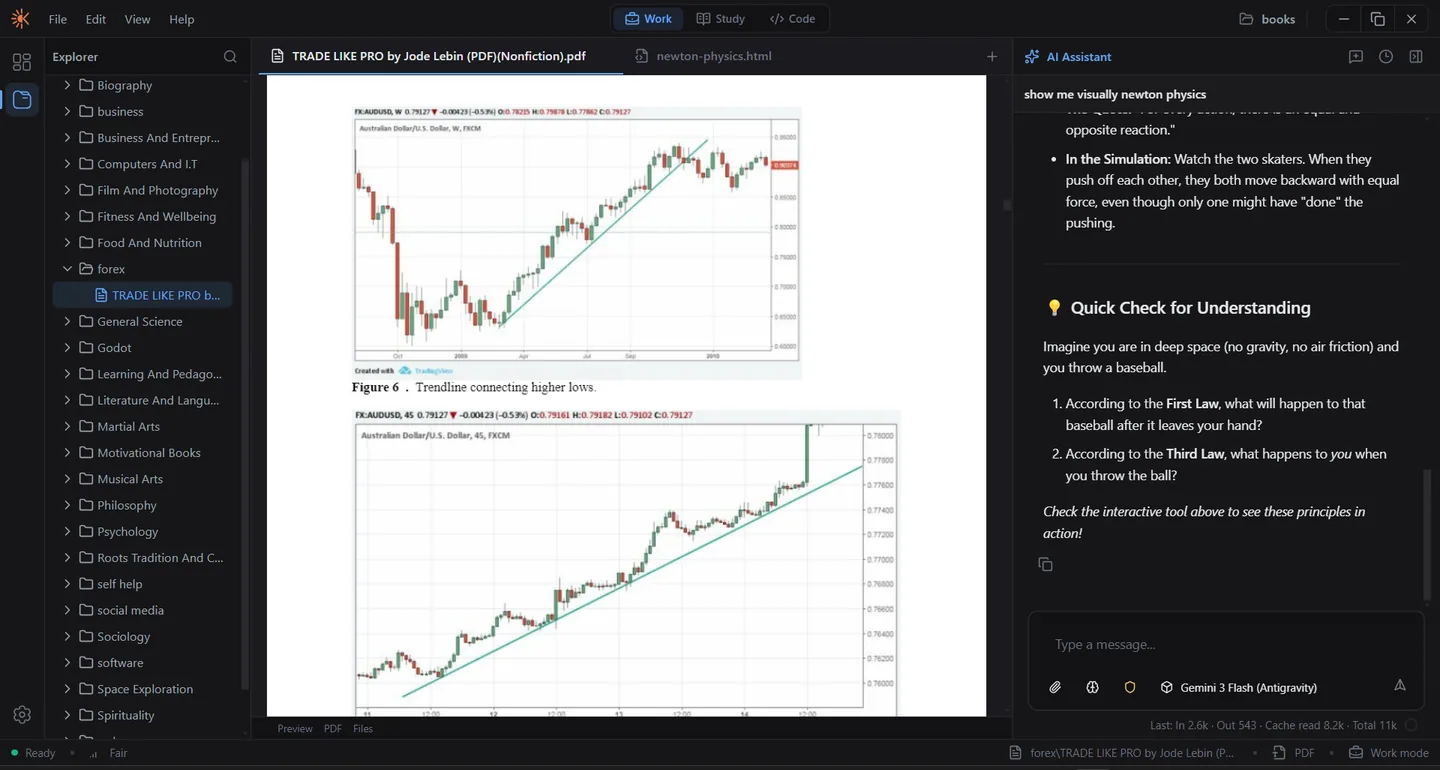
Workspace that adapts to you

Open a project folder and KwachaAI becomes your full development environment — with a file tree, tabbed editor, integrated terminal, and an AI that understands your codebase. Switch to Study mode and it becomes your personal tutor. Switch to Work mode and it's your executive assistant.

KwachaAI workspace layout adapting to a project-centered view

Ready to get started?

Download KwachaAI for free. No account needed. Just install and go.

Windows 10+ · Free during preview · Auto-updates included

Frequently Asked Questions

Is KwachaAI a desktop app or a website?

KwachaAI is a native desktop application for Windows. Unlike web-based AI chatbots, it runs directly on your machine, allowing for local file access, shell integration, and high-performance agentic workflows that browser-based tools cannot provide.

Is KwachaAI free?

Yes, KwachaAI is currently in Public Preview and is free to download and use.

Does KwachaAI work on Windows?

Yes, KwachaAI is optimized for Windows 10 and Windows 11. It is a desktop-native experience built specifically for the Windows environment.

Which models does KwachaAI support?

KwachaAI supports the world's leading AI models, including GPT-4o, Claude 3.5 Sonnet, Gemini 1.5 Pro, and more. You can switch between models instantly within the same workspace.

Is this the official KwachaAI website?

Yes, this is the official download site for KwachaAI. To ensure you have the authentic agentic software and the latest security updates, only download KwachaAI from this official domain.